


Trusted by 20,000+ users
Free background remover
Remove image backgrounds instantly with AI. Create transparent PNGs, isolate subjects, and get professional cutouts in seconds.
Drag your image here
or click to browse
JPG, PNG, WEBP up to 10MB
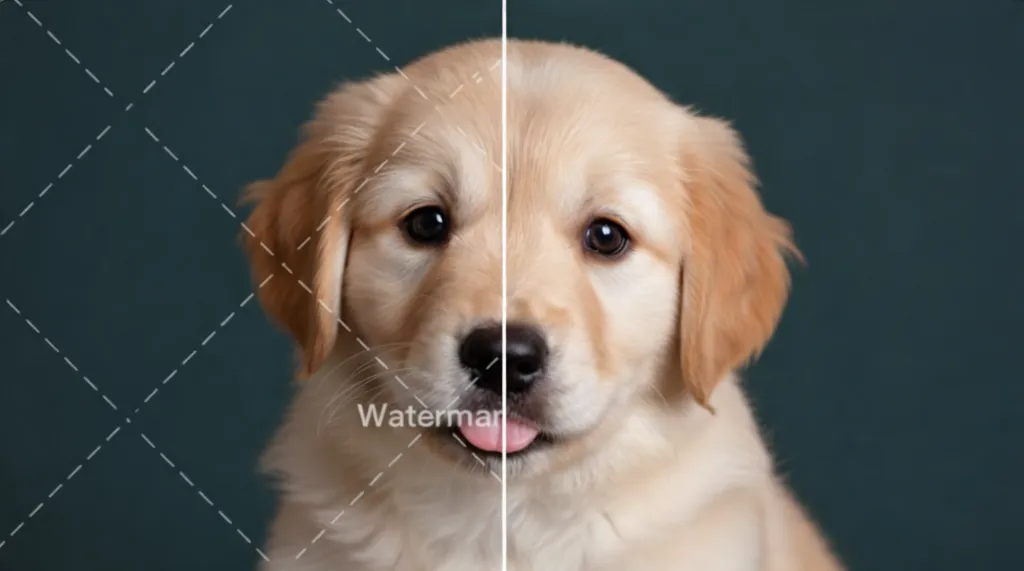
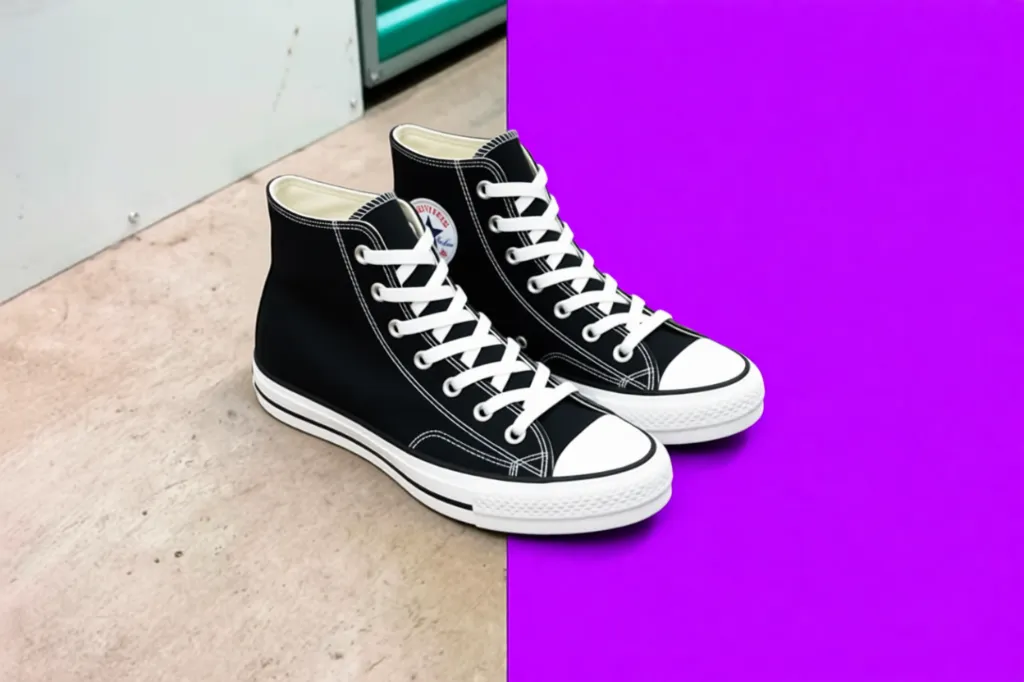
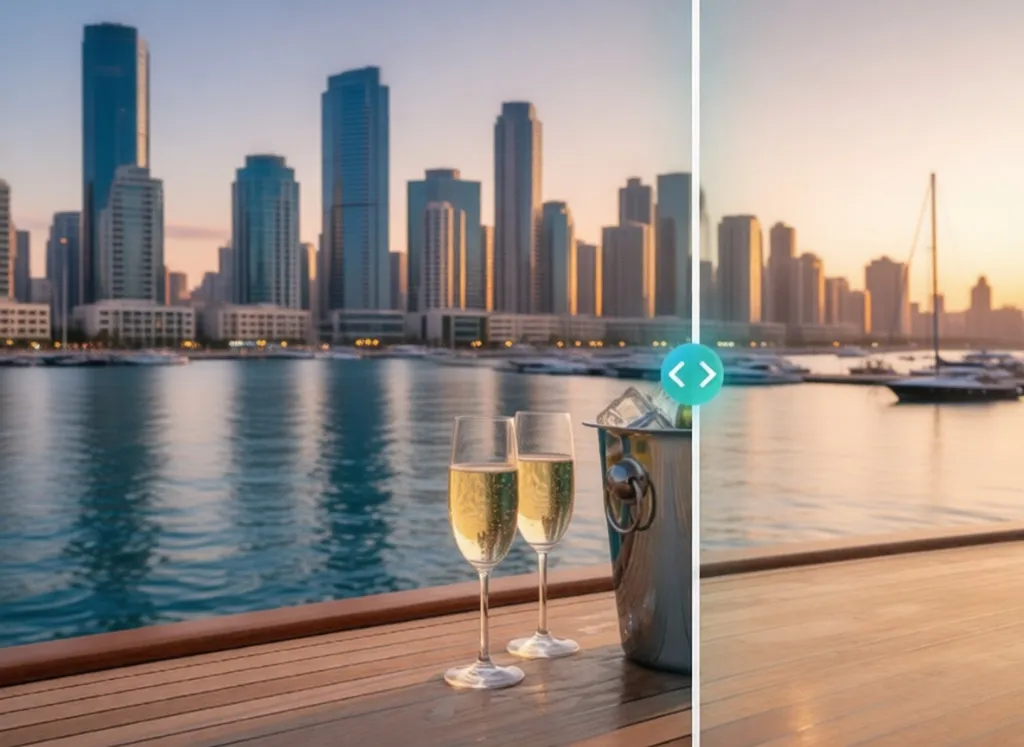
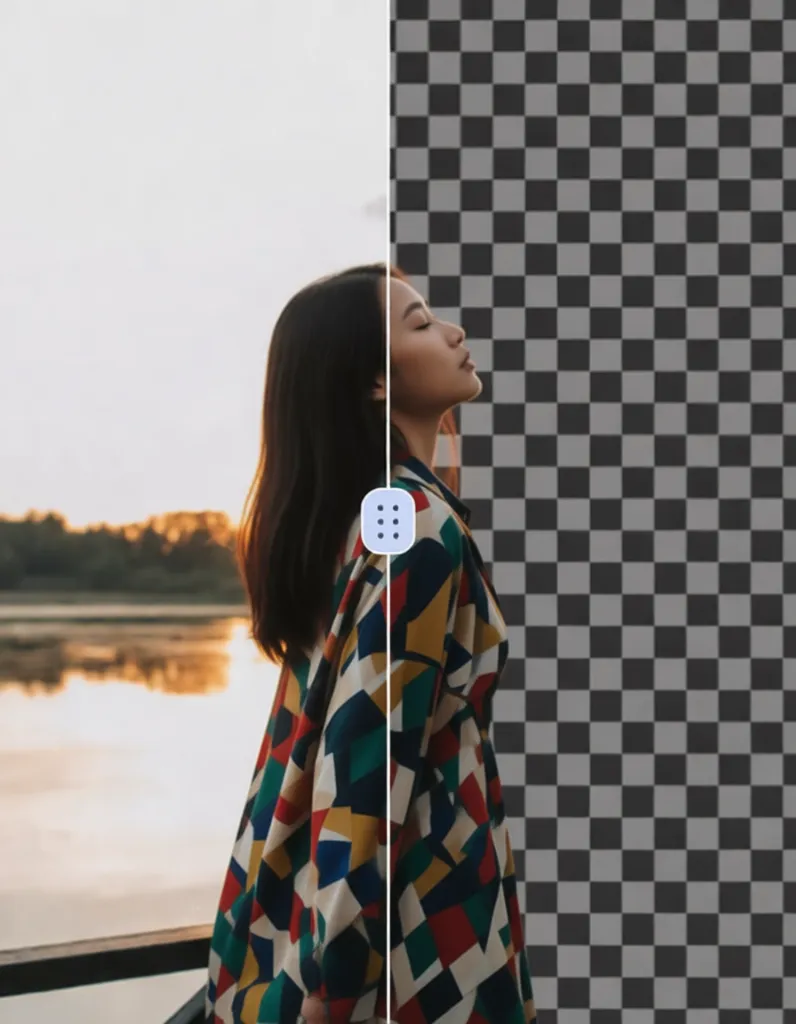
Free Background Remover Online – Fast AI Background Eraser
Our advanced AI delivers a powerful free background remover designed for high-precision editing on all types of photos. By analyzing every pixel, the system can remove background from image, isolate the subject, erase objects, and handle complex edges while generating a smooth transparent result. Whether you want to enhance your pictures or prepare clean visuals for social content, you always get natural, crisp, and professional-quality results every time.
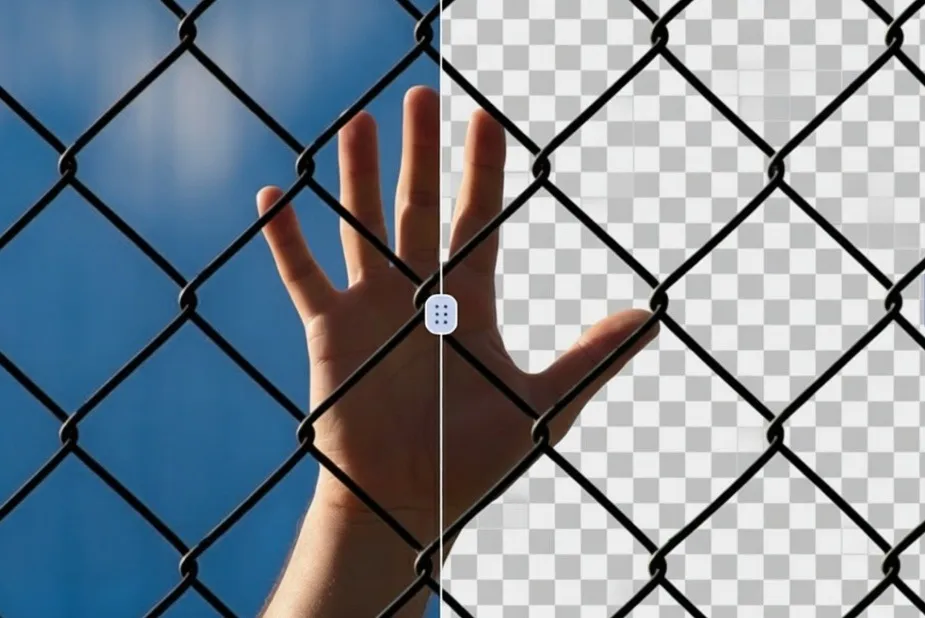
Fast AI Background Remover for Any Image
Enjoy ultra-fast performance with our optimized engine created for efficient background removal. In just seconds, you can erase background from photo, refine outlines, or turn any picture into a transparent PNG across all major formats. Ideal for creators, editors, businesses, or anyone searching how to remove background from image instantly, the automated workflow keeps everything simple while delivering top-tier quality.
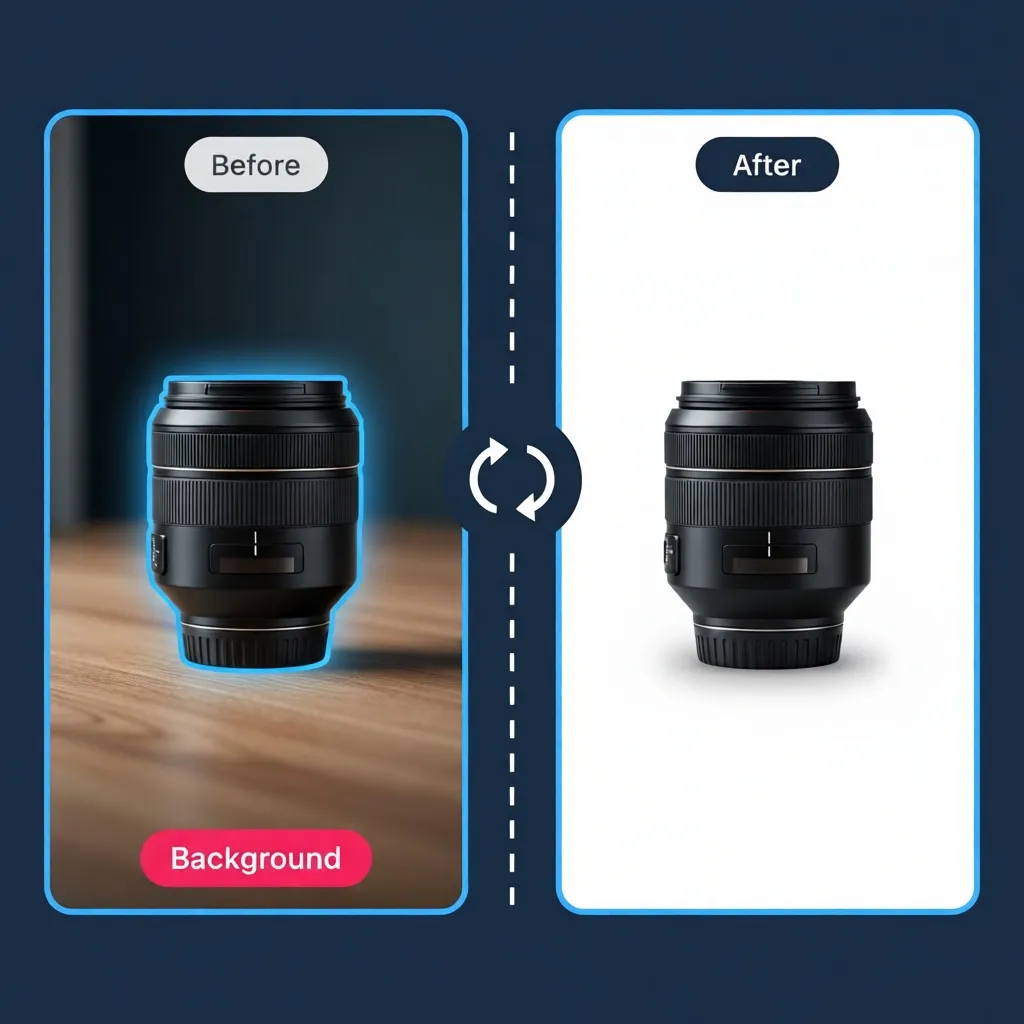
Remove Background from Photos – Complete AI Solution
Compatible with JPG, PNG, JPEG and more, this free background remover acts as both a universal background eraser and a precise tool to cut out subjects with professional accuracy. Whether your files come from social media, downloads, product shoots, or personal galleries, you can easily remove backgrounds from any image and achieve clean, polished, high-resolution results.
Replace Background in 3 Simple Steps
Upload your image
Start by uploading your photo directly from your device or dragging it into the interface. Our platform supports all common formats, making it easy to remove background from image or create transparent backgrounds with just a single click. Whether it's for product photos, portraits, or design assets, the system prepares your file instantly.
AI 이미지 화질 개선
Once your image is uploaded, our powerful AI background remover analyzes every pixel to detect the subject and erase the background with high precision. This advanced tool reconstructs edges intelligently, acting as a smart background eraser capable of handling hair, shadows, and detailed textures. The process is fully automated, allowing you to remove backgrounds quickly, cleanly, and without editing skills.
Download your clean result instantly
In just a few seconds, your new background-free image is ready. Simply download the final result in high quality and use it wherever you need—e-commerce, social media, presentations, design projects, or personal archives. With our fast and reliable background removal tool, getting a clean, professional-looking cutout has never been easier.
Simple and transparent pricing
Choose the plan that fits your needs
Free
Perfect to try
1 free credit
- High quality exports
- Web & mobile access
- Privacy-friendly processing
OFF
Pro Plan
- Just $0.069 per image
- All our tools pro
- No ads
- High quality exports
- Web & mobile access
- Privacy-friendly processing
One Time Payment
Buy credits once
- All our tools pro
- No ads
- High quality exports
- Web & mobile access
Don't take it from us,
hear it from our users
Removing backgrounds from product photos used to take forever. This AI does it instantly with perfect edge detection. My product listings look so much more professional now!
Creating social media graphics is so much faster now. The background removal is precise, even with complex hair and fine details. Total game changer!
I use this for creating promotional materials daily. The AI removes backgrounds cleanly, making it easy to place subjects on any backdrop. Super efficient!
Perfect for creating professional headshots with clean backgrounds. The edge detection is incredibly accurate, even with flyaway hair. My clients love the results!
This tool is essential for my design workflow. Removing backgrounds is instant and precise, letting me focus on creativity instead of tedious masking.

My product photos now have that professional white background look. The AI handles even tricky items like jewelry and glassware perfectly. Sales are up!

We use this for client presentations and marketing materials. The background removal quality is outstanding, saving our team countless hours of manual editing.

Creating outfit collages for my blog is so easy now. The AI removes backgrounds flawlessly, making my content look polished and professional.

Preparing images for branding projects has never been easier. This tool delivers clean cutouts every time, perfect for logos and marketing materials.

Ready to clean your images?
From removing watermarks to erasing unwanted objects — unlock professional photo editing. All powered by AI.
Frequently Asked Questions
How does the background remover work?
Our AI background remover analyzes every pixel to accurately remove backgrounds from photos while preserving subject quality and edges.
Do I get a free credit to test the tool?
Yes! Every new user gets 1 free credit to try the background remover before purchasing more.
How long does it take to remove a background from an image?
The system can remove backgrounds from images in less than 10 seconds, thanks to our optimized AI processing.
Can the tool remove backgrounds from complex images?
Yes, our AI can handle hair, fur, and intricate edges with high precision for professional cutouts.
What image formats are supported?
We support all common formats including JPG, PNG, JPEG, and more for background removal.
Can I get a transparent PNG output?
Yes, the background remover automatically creates transparent PNG files perfect for design work.
Does background removal reduce image quality?
No. Our engine intelligently processes pixels, ensuring minimal quality loss while removing backgrounds.
Can the tool remove backgrounds from product photos?
Absolutely. Our tool is perfect for e-commerce, creating clean product images with transparent backgrounds.
Is there a limit to the number of images I can process?
You can process as many images as you want after using your 1 free credit, as long as you have credits remaining.
Do you offer refunds for unused credits?
No, refunds are not available, even for unused credits.
Can I remove backgrounds from portraits?
Yes, our AI excels at removing backgrounds from portraits while preserving fine details like hair.
Does it work for batch processing?
You can upload multiple files, but each background removal task uses separate credits.
Is the background remover safe to use?
Yes. All processing is automatic, secure, and your files are deleted shortly after completion.
Can the AI handle complicated subjects?
Yes, the AI background remover can handle complex subjects including hair, fur, and transparent objects.
Can I remove backgrounds from photos online without installing anything?
Yes, the tool is entirely online—you can remove backgrounds directly in your browser.
What happens if background removal fails?
You can retry with a different credit, but no refunds are provided. Our tool is highly accurate, but results may vary depending on the image.
Explore Our Complete Suite of AI Tools
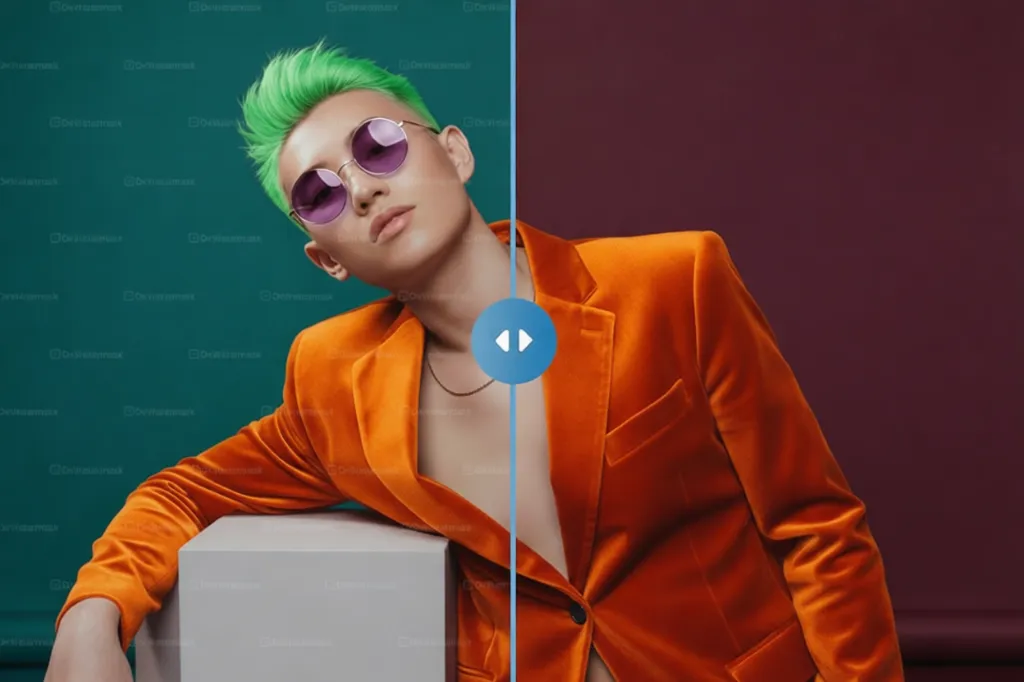
Free Watermark Remover
Our free watermark remover uses an advanced AI watermark remover to remove watermark from photo and clean images or videos. Get clean results in seconds thanks to precise watermark removal technology.
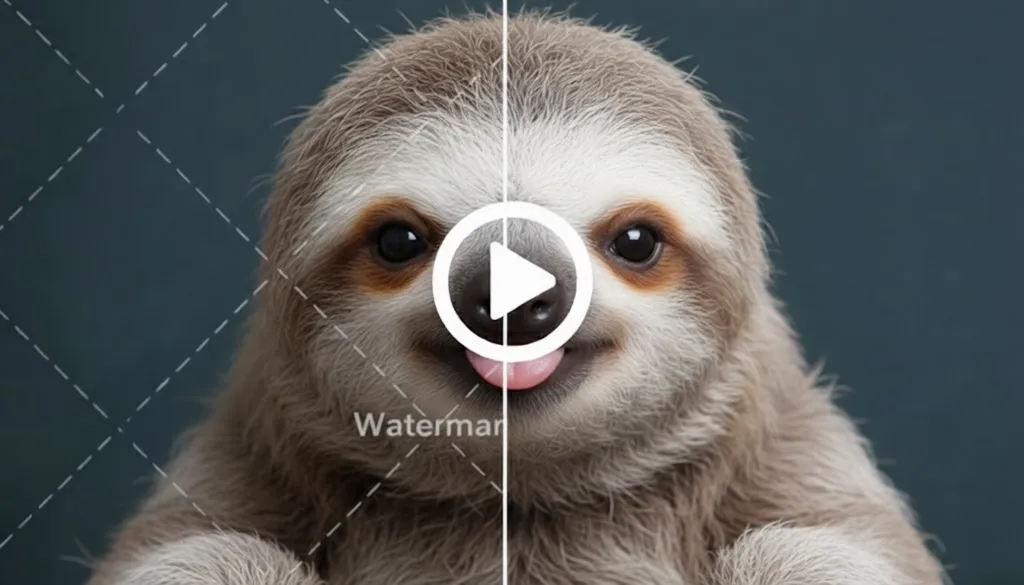
Remove Watermark from Video
With our watermark remover video, you can easily remove watermark from video, delete watermark from video or even remove TikTok watermark. The tool handles MP4, MOV, AVI and provides clean, natural rendering.
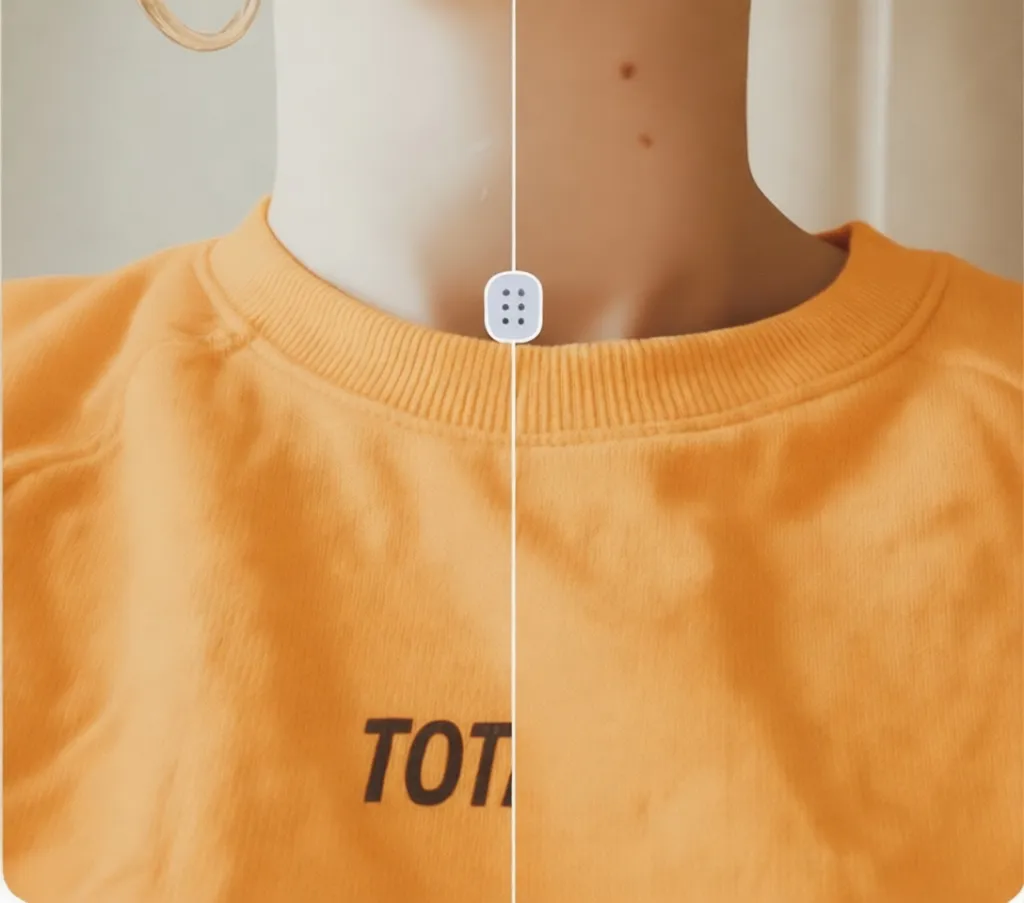
Remove Text
Our AI detects and instantly erases any text thanks to its remove text from image system. It acts as a photo watermark remover capable of reconstructing complex areas while maintaining optimal image quality.

Remove Object
Easily erase any unwanted element with our image watermark remover, ideal for removing logos,objects or annoying elements. The AI watermark remover restores the background to deliver a clean, natural result.
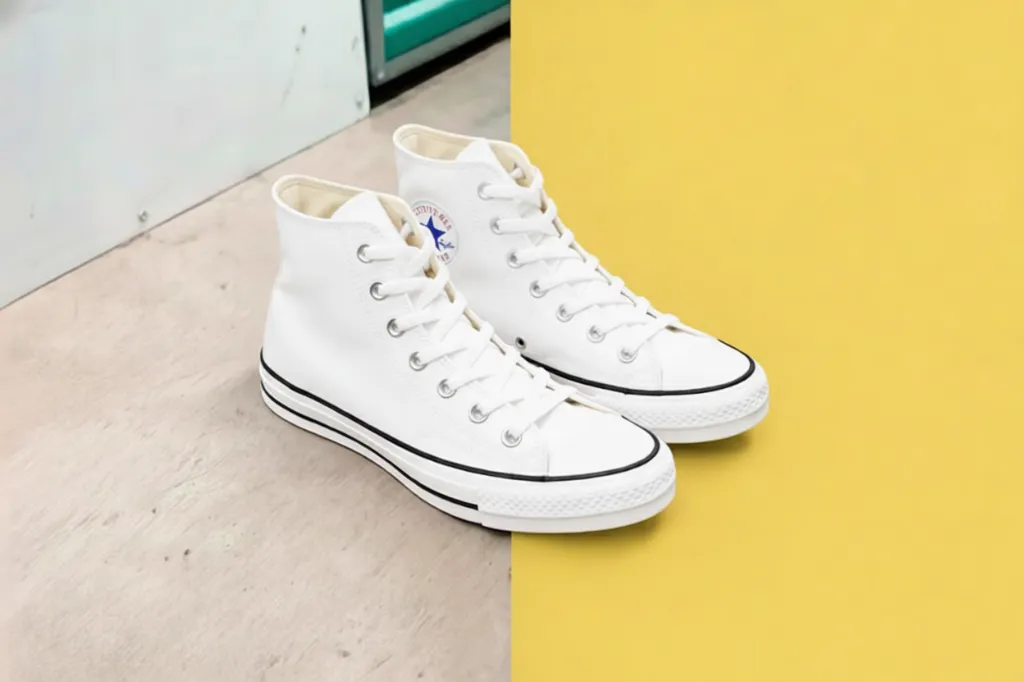
Replace Background
Thanks to our intelligent technology, change the background while preserving your subjects. Ideal for creators wanting to remove watermark from image and transform the scene effortlessly, in just seconds.
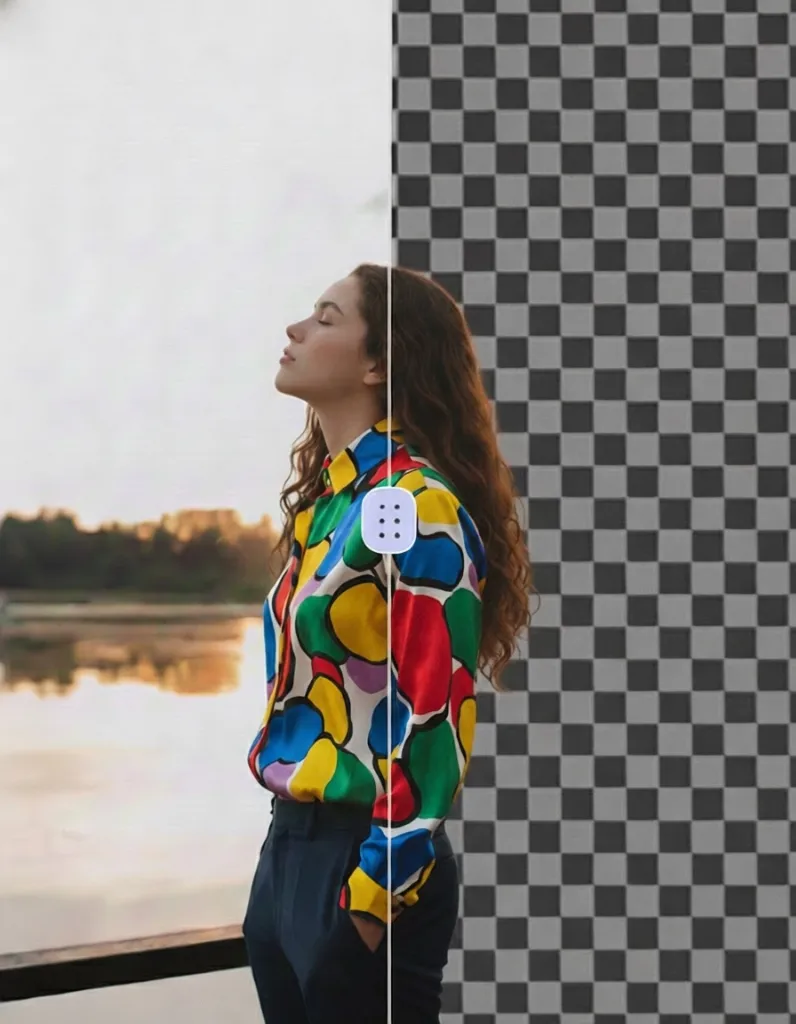
Remove Background
Our tool automatically detects the subject and removes the background in one click. Combine this with our watermark removal or remove watermark from photo options to get a professional-ready visual.
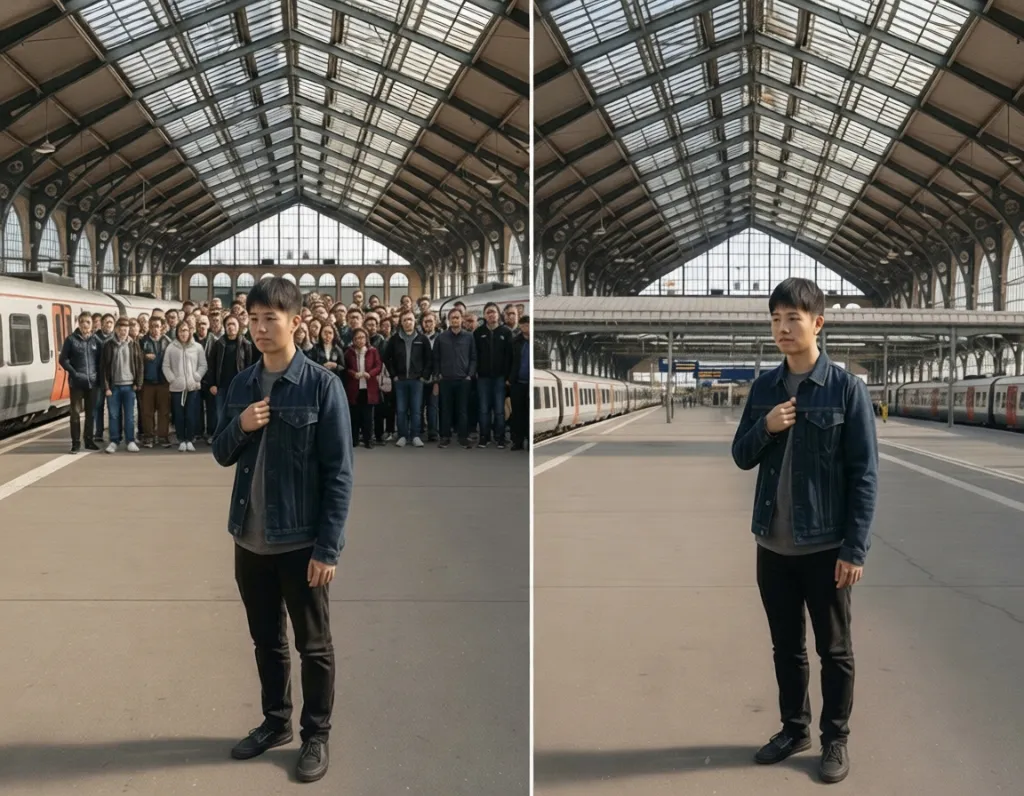
Auto Remove People
The AI can analyze the image and remove people automatically, just as it remove watermark from image or text. Perfect for cleaning photos, protecting privacy or preparing creative projects.
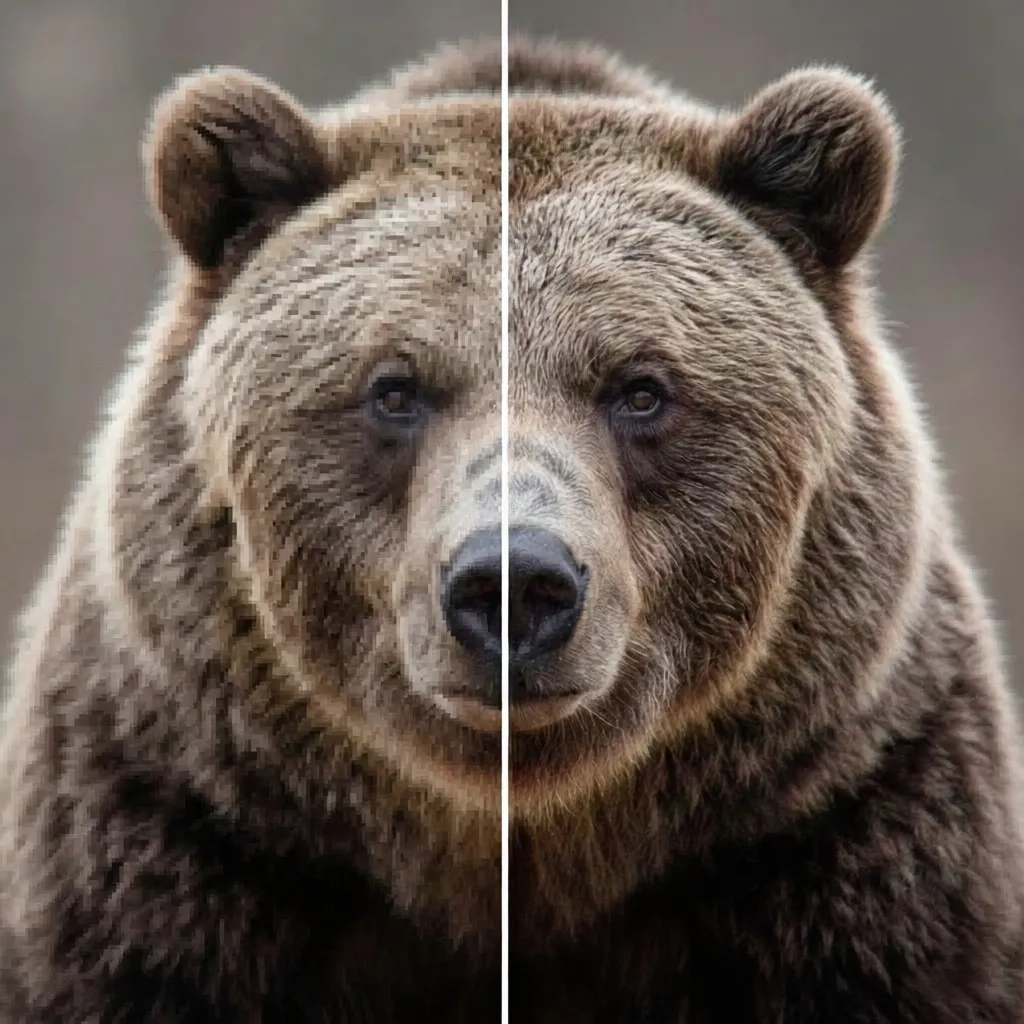
Image Upscaler
Improve your photo resolution with our AI-based upscaler. It works perfectly after a watermark remover, allowing you to optimize an already cleaned file while maintaining excellent sharpness.
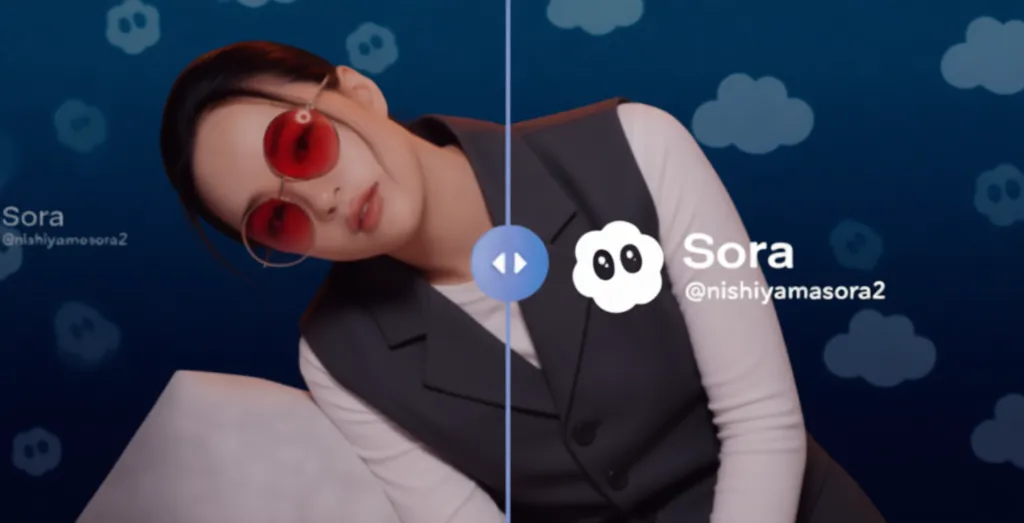
Free Sora Remover
Remove watermarks from Sora AI-generated videos instantly. Our specialized tool detects and removes Sora branding while preserving video quality, perfect for professional content creation.